
Faceted Search SEO: Ecommerce Filters That Convert and Rank
By Seekora Editor
May 27, 2026
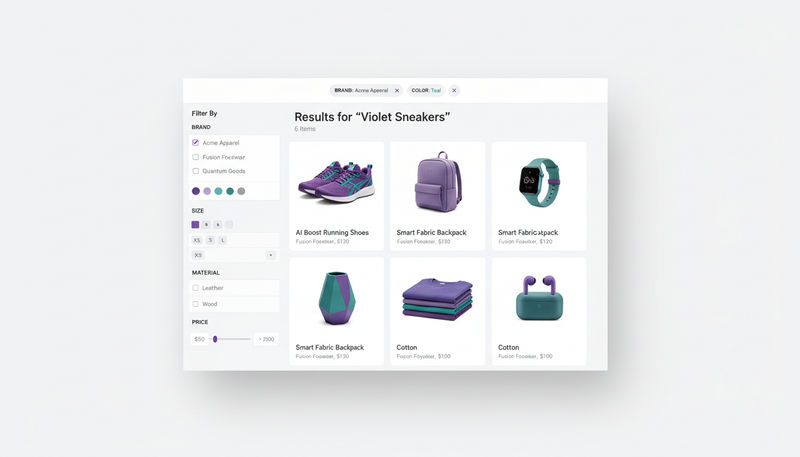
Ecommerce filters live at a tense intersection: they are the single biggest UX lever for product discovery on a large catalog, and the single biggest SEO landmine if engineered carelessly. Done well, faceted navigation slices a 50,000-SKU catalog into pages that match real shopper intent and rank for valuable long-tail demand. Done poorly, it spawns millions of duplicate URLs, dilutes link equity, drains crawl budget, and hides the very products it was meant to surface. Baymard's product list research consistently flags filtering as one of the weakest UX areas on ecommerce sites, while Google's own ecommerce SEO documentation calls out URL design, structured data, and incremental loading as critical considerations. This guide walks through faceted search SEO end-to-end — what to index, what to block, the UX patterns that lift conversion, and how AI-powered dynamic filters change the equation.
Why Filters Matter for Ecommerce Conversion and SEO
For a large catalog, filters are how shoppers move from "I want shoes" to "I want black leather Chelsea boots in size 9 under five thousand rupees." Without filters, that journey collapses into infinite scrolling or a search query that may or may not work. With filters, the catalog becomes shoppable at scale.
A quick definition before going deeper. Facets are the attribute groups available on a category page — material, color, brand, size, price range. Filters are the specific values within those facets a shopper has applied — leather, black, Loake, size 9, ₹3000–5000. Both terms are often used interchangeably in casual usage; the distinction matters for SEO because facet groups, filter values, and applied combinations behave differently in the URL and the index.
SEO interest in filters is twofold. First, a well-built filter system creates high-intent landing pages that capture long-tail demand ("women's leather sneakers white"). Second, a badly built one creates index bloat, duplicate content, and crawl traps that Google now actively penalizes by ignoring or de-prioritizing.
The SEO Risk: Crawl Traps and Duplicate Filtered URLs
The core SEO risk with faceted navigation is that every applied filter generates a new URL — and combinations multiply fast.
A category page with six facets, each with five values, can produce more than 15,000 unique filter combinations. Multiply by sort options (price ascending, price descending, newest, rating), pagination, and tracking parameters and the URL space explodes into millions of pages. Most of those:
- Have near-identical content (same products in slightly different order).
- Generate thin content (one or two products on a deep multi-filter combination).
- Have no search demand whatsoever.
- Compete with the main category page for the same keyword.
Google responds by spending crawl budget on low-value URLs, demoting the canonical category page, and in extreme cases dropping the entire category cluster. This is what "crawl trap" means in practice. The fix is not to hide filters from users — it is to be deliberate about which filtered URLs the search engine ever sees.
Which Filter Pages Should Be Indexable?
The right rule is to index filter pages that match real search demand, have stable content, and are unique enough to rank.
Index when all of these are true:
- The filtered combination has measurable search demand. Keyword research shows the phrase is searched (for example, "red running shoes" or "organic cotton bath towels").
- The page has stable inventory. It will not flip to zero or two products every other week.
- The page can carry unique title, H1, and meta copy. A category template that renders "Red Running Shoes — Brand" plus a short on-page paragraph is enough.
- The page is reachable via internal linking. Filtered pages with no internal links from the main category or navigation are orphan pages and rarely rank.
- The page does not duplicate a higher-tier category. If "sneakers" already exists as a category, "sneakers filtered by sneakers tag" should canonicalize to the category.
The ideal indexable filter pages are single-attribute filters with high demand — color, brand, type, gender, occasion, room — depending on vertical. Two-attribute combinations may be indexable when both are commercially valuable ("women's leather jackets"). Three or more attribute combinations almost never are.
Which Filter Combinations Should Not Be Indexed?
Most filter URLs should never enter the index. The patterns to block, canonicalize, or noindex:
- Sort parameters.
?sort=price_ascand?sort=newestchange order, not content. Canonical the parameterized URL to the base. - Price sliders. Continuous price ranges produce infinite combinations and no search demand at the granular level. Either drop them from the index or expose only a few preset ranges as bounded filter pills.
- Pagination. Page 2 onward should self-canonical and use
rel="next"/rel="prev"semantics, not canonical back to page 1, so deep products remain reachable but only page 1 ranks. - Very low inventory pages. Combinations with fewer than a configurable threshold of products (often 5–10) should noindex. Thin pages hurt the entire category's perceived quality.
- Multi-filter combinations with no search demand. Three or more attributes combined into a URL almost never have keyword volume. Default to noindex unless keyword research proves otherwise.
- Internal tracking parameters.
utm_*,gclid,fbclid, and similar tracking params should canonical to the clean URL. - Session and personalization parameters. Anything tied to a user session should never enter the index.
A simple rule of thumb: if a human cannot picture a shopper typing the filter combination as a Google query, it should not be indexable.
UX Best Practices for Faceted Filters
SEO and UX trade off less than they appear to. Most patterns that lift conversion also produce a cleaner index footprint.
The patterns that consistently work:
- Show relevant filters per category. A "shoes" category should expose size, gender, color, brand. A "laptops" category should expose RAM, screen size, processor, brand. Do not render the same facet template everywhere.
- Surface applied filters clearly. A chip row at the top of the page showing every applied filter, with one-click removal, prevents dead-end navigation.
- Use a mobile-friendly filter drawer. Inline filters cramp mobile layouts. A slide-out drawer with grouped facets and an "apply" CTA performs significantly better on touch devices.
- Avoid dead-end filters. Disable or grey out filter values that would return zero results. A shopper applying "size 14" should not see options that lead to empty result pages.
- Keep popular filters visible. The top one or two facets per category should sit above the fold without expansion. Hiding everything behind "more filters" reduces engagement on mobile.
- Avoid zero-result filter combinations. When inventory cannot match an applied combination, redirect to the closest non-empty version and explain the substitution.
- Make filter URLs human-readable.
/women/jackets/leather/blackbeats?cat=12&attr=4,7for sharing, SEO, and analytics. - Persist applied filters across pagination. Page 2 of a filtered view should retain the filter state — losing it on pagination is a top abandonment cause.
Get these right and filtered category pages stop being SEO liabilities and start becoming conversion accelerants.
How AI-Powered Dynamic Filters Improve Product Discovery
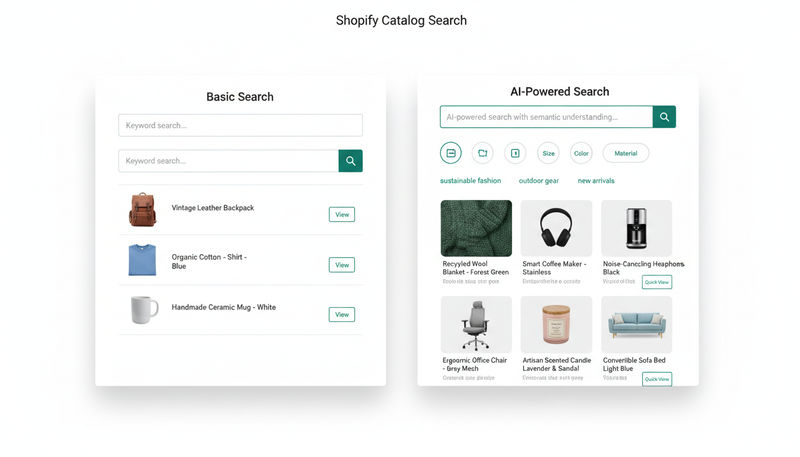
Rule-based facets — declared once per category, rendered identically for every shopper — are reaching their limits. AI-powered dynamic filters change four things at once.
First, dynamic facet selection. The filter set shown adapts to the query or category. A search for "running shoes" surfaces gait, terrain, cushioning, and arch type. A search for "dresses" surfaces silhouette, occasion, length, and sleeve. The shopper sees the facets that matter for their intent, not the category default.
Second, personalized ranking inside filtered results. Two shoppers applying the same filters can see different product orders based on past behavior. A returning customer who consistently buys mid-range, eco-friendly products sees them ranked first even within a generic filtered set.
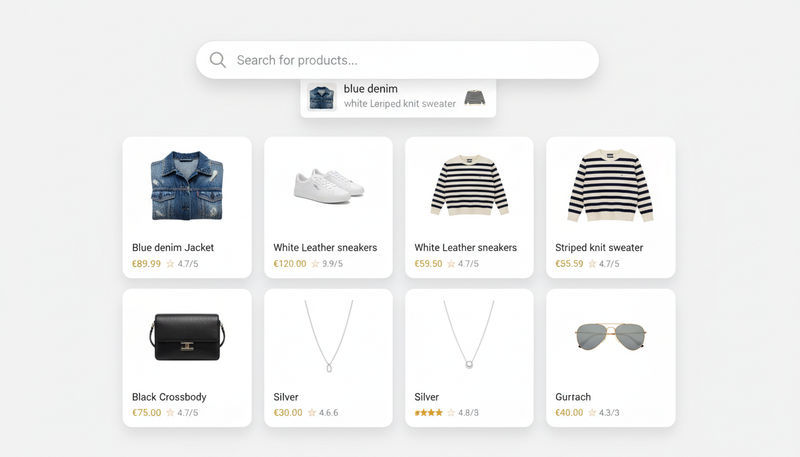
Third, synonym-aware filtering. When a shopper types "trainers" and applies a "sneakers" filter, the engine treats them as the same intent rather than returning conflicting results. The same applies across regional and informal product terms.
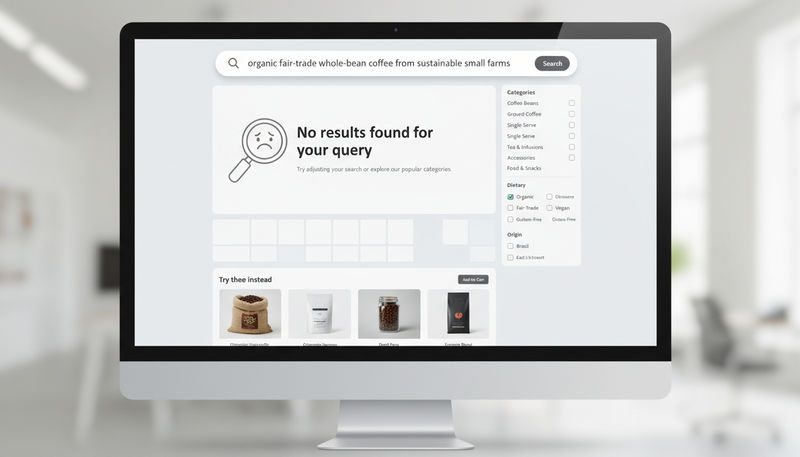
Fourth, no-result prevention. If an applied combination would return zero products, the engine substitutes the most relevant near-match (same brand and category but a different color, for example) instead of an empty page — keeping the session alive.
The SEO upside compounds. Dynamic filters reduce reliance on huge static facet sets, which shrinks the indexable surface to only the combinations with real demand. Merchandising controls let merchants pin, boost, or curate filtered pages so the indexable ones stay strong. And the analytics feedback loop shows which filtered queries are converting, so the team knows which pages to expand and which to retire. This is the angle AI Browse and dynamic filters opens up — filters that lift conversion and keep the SEO surface clean at the same time.
A pragmatic implementation sequence: clean URL structure first, then canonical and noindex rules, then sitemap rules for indexable filter pages only, then internal linking from the main category to indexable filter pages, then product data quality (without good attributes the filters fall apart), then dynamic filters and personalized ranking on top.
FAQs About Faceted Search SEO
What is faceted search in ecommerce?
Faceted search is a navigation pattern that lets shoppers refine a product list by multiple attributes simultaneously — brand, color, size, price, material — usually on a category page. It is the standard product discovery model for large catalogs.
How is faceted navigation different from filters?
Facets are the attribute groups (color, size, material). Filters are the specific values a shopper applies (red, large, leather). In practice the terms are used interchangeably; the distinction matters for URL design and SEO.
How should faceted URLs be structured?
Clean, human-readable, and consistent. Prefer subdirectories for high-demand single-attribute filters (/jackets/leather) and query parameters for non-indexable refinements (?sort=price_asc). Avoid mixing both patterns within one site.
Should all filtered pages be indexed?
No. Index pages that match keyword demand, hold stable inventory, and can carry unique copy. Block, noindex, or canonical the rest — particularly sort URLs, price slider variants, low-inventory combinations, and multi-attribute combinations with no demand.
Do AI-powered filters replace traditional faceted navigation?
They extend it rather than replace it. AI adds dynamic facet selection, personalized ranking, synonym-aware filtering, and no-result prevention on top of the same underlying filter UX, which makes the navigation faster and more relevant without changing the shopper's mental model.
Wrapping Up: How Seekora Helps Stores Build Filters That Rank and Convert
Faceted search SEO is one of the few areas where the right architecture pays back at every layer of the funnel. The same indexability discipline that protects category-level rankings also strips out dead-end UX. The same dynamic filter logic that lifts on-site conversion also shrinks the index footprint Google has to crawl. Get this right and the catalog becomes more shoppable to humans and more interpretable to search engines simultaneously.
This is where Seekora helps. The platform pairs AI Browse and dynamic filters with merchandising controls and analytics, so indexable filtered pages stay sharp and high-intent, while non-indexable combinations get sensible canonical and noindex defaults. Personalized ranking, synonym-aware filtering, and no-result prevention layer in on the same UX shoppers already understand, and the analytics dashboard surfaces which filter pages and combinations are actually driving conversions — which lets SEO and merchandising teams decide what to expand and what to prune from the index. For stores with medium-to-large catalogs facing the classic filters-versus-SEO tension, that combination is the fastest path to filters that convert without creating crawl traps.
Faceted Search SEO: Ecommerce Filters That Convert and Rank
- Why Filters Matter for Ecommerce Conversion and SEO
- The SEO Risk: Crawl Traps and Duplicate Filtered URLs
- Which Filter Pages Should Be Indexable?
- Which Filter Combinations Should Not Be Indexed?
- UX Best Practices for Faceted Filters
- How AI-Powered Dynamic Filters Improve Product Discovery
- FAQs About Faceted Search SEO
- What is faceted search in ecommerce?
- How is faceted navigation different from filters?
- How should faceted URLs be structured?
- Should all filtered pages be indexed?
- Do AI-powered filters replace traditional faceted navigation?
- Wrapping Up: How Seekora Helps Stores Build Filters That Rank and Convert

Stay ahead of the curve.
Subscribe to get the latest e-commerce insights and AI strategies delivered directly to your inbox.